
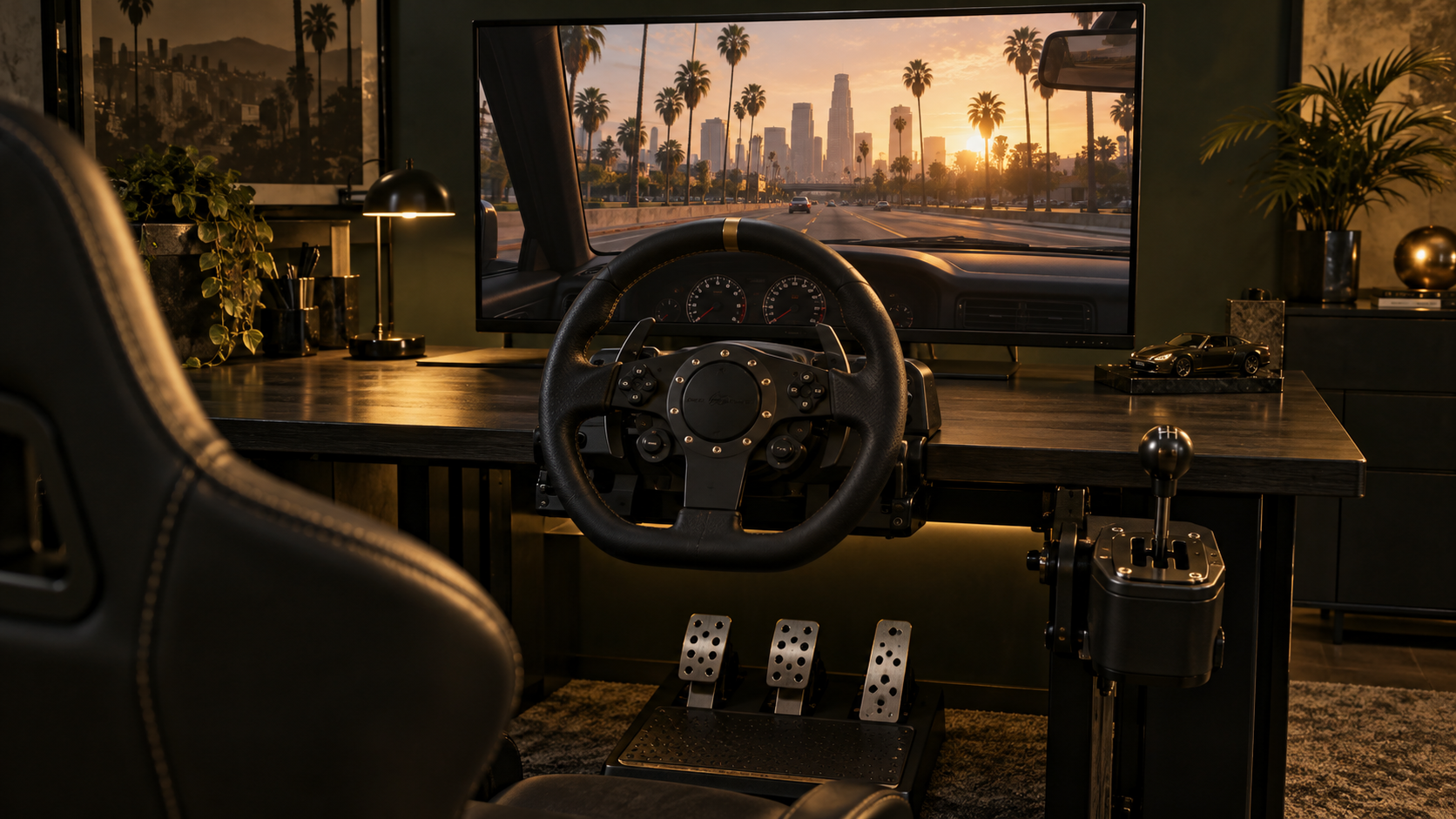
A wheel changes the rhythm of a drive through Goldline: small corrections through a bend, a steady foot on the throttle and, with the right car, a gear change made by hand. The Goldline launcher's built-in wheel support lets you assign your own steering, pedals and buttons instead of relying on a generic gamepad layout.
Open Mods → Steering Wheel in the launcher and tick Enable Steering Wheel. The Controller Input Preview shows what the launcher receives from your device. Turning the wheel or pressing a pedal should move an indicator; the axis names depend on the hardware, so your throttle does not have to appear under a particular letter. If nothing responds, Wheel Calibration opens Windows' game-controller panel, where you can select the device and check its properties before changing your in-game bindings.
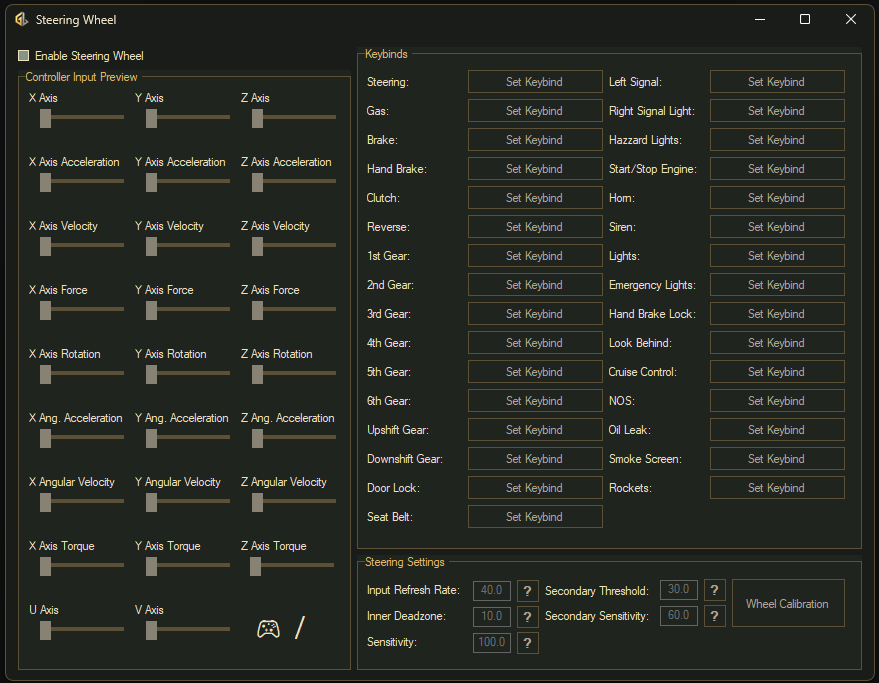
Each Set Keybind button listens for the control you move next. Select the button beside Steering and turn the wheel, then assign Gas and Brake by pressing the corresponding pedals. Move just the control you want to assign, keeping the others still. The button replaces its prompt with the detected input, and the launcher saves the binding. To clear a binding, focus its button and press Escape, then assign it again.
Once the essentials are mapped, put useful actions within easy reach. Indicators, headlights, the horn and Look Behind suit wheel buttons; Seat Belt, Start/Stop Engine and the handbrake are available too. You do not need to fill every slot. Entries for equipment such as NOS or emergency lights only make sense on vehicles that actually have those features. Keep the launcher running while you drive; you can close the wheel settings window to hide it.
A comfortable steering setup starts with a short drive somewhere quiet. Inner Deadzone controls how far you can move around centre before the car starts turning. Increase it slightly if tiny unintended movements make the car wander, or reduce it if steering feels unresponsive near the middle. In this launcher, a higher Sensitivity value means you must turn the wheel further for the same response.
Secondary Threshold is the steering angle where Secondary Sensitivity takes over. Together they let the response near centre differ from the response in a tighter turn. Adjust one setting at a time so you can feel what changed. If the car's front wheels keep moving while you hold your physical wheel steady at an angle, the launcher's calibration advice is to raise Input Refresh Rate when they creep outward and lower it when they creep inward, until they hold their position.
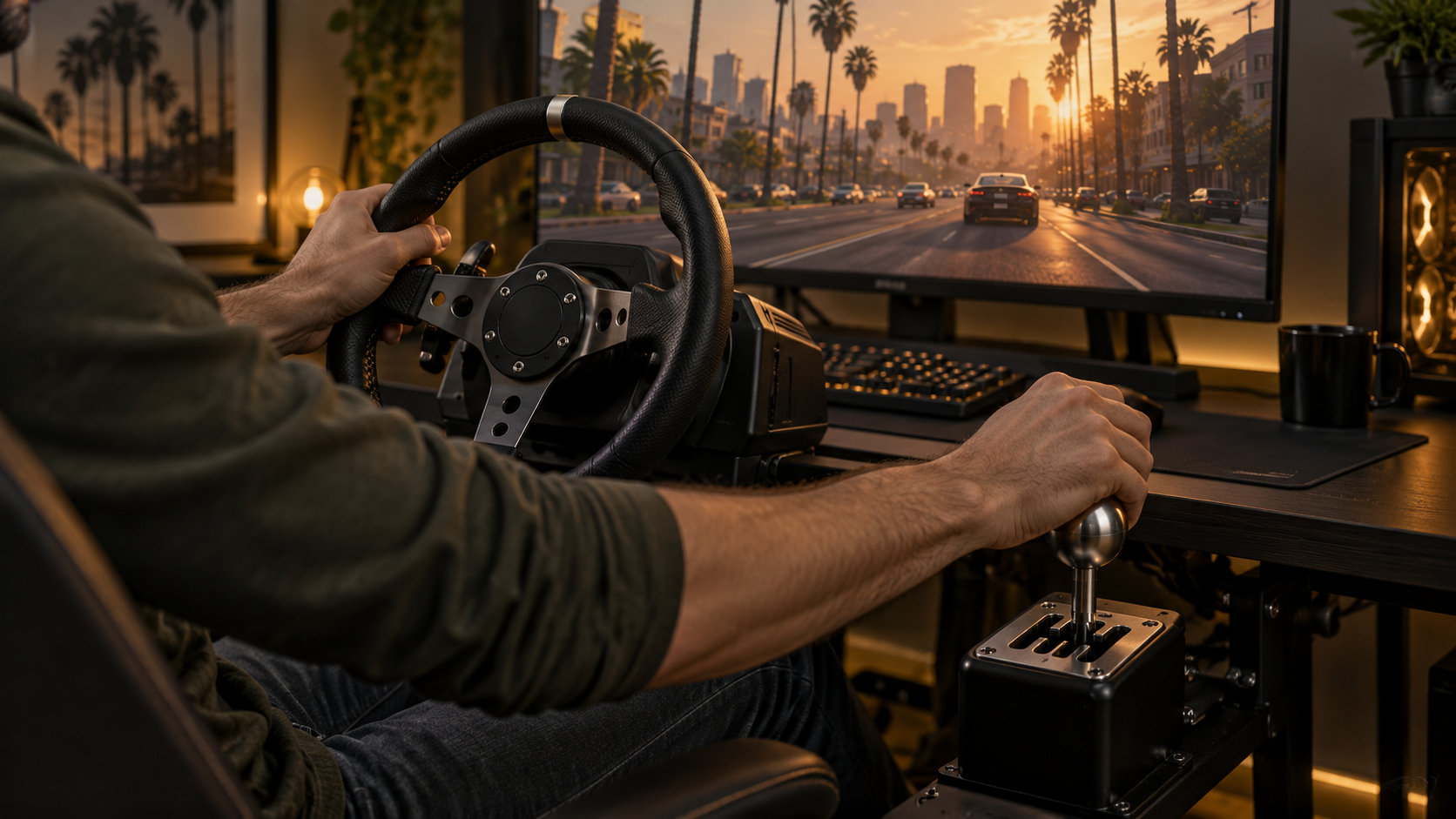
For manual driving, the important upgrade is on the car: it must have Goldline's manual gearbox modification installed. Assigning gear buttons in the launcher does not convert an automatic vehicle. Once you are driving a suitably equipped car, you can map Upshift Gear and Downshift Gear to paddles or a sequential shifter, or assign Reverse and the individual 1st–6th Gear positions to an H-pattern shifter. The launcher also provides a Clutch binding for your pedal.
Get familiar with the car's response before heading into traffic: pull away gently, change gear and practise slowing down again. If steering and pedals work but shifting does not, check that vehicle's manual upgrade before rebuilding all your bindings. If a pedal or button triggers the wrong action, watch its input in the preview and reassign only that control. A few well-chosen bindings and a little tuning are enough to make the next drive feel like your own.
